
Friday, August 7, 2020
Featured in Edit Order: Reordering line items
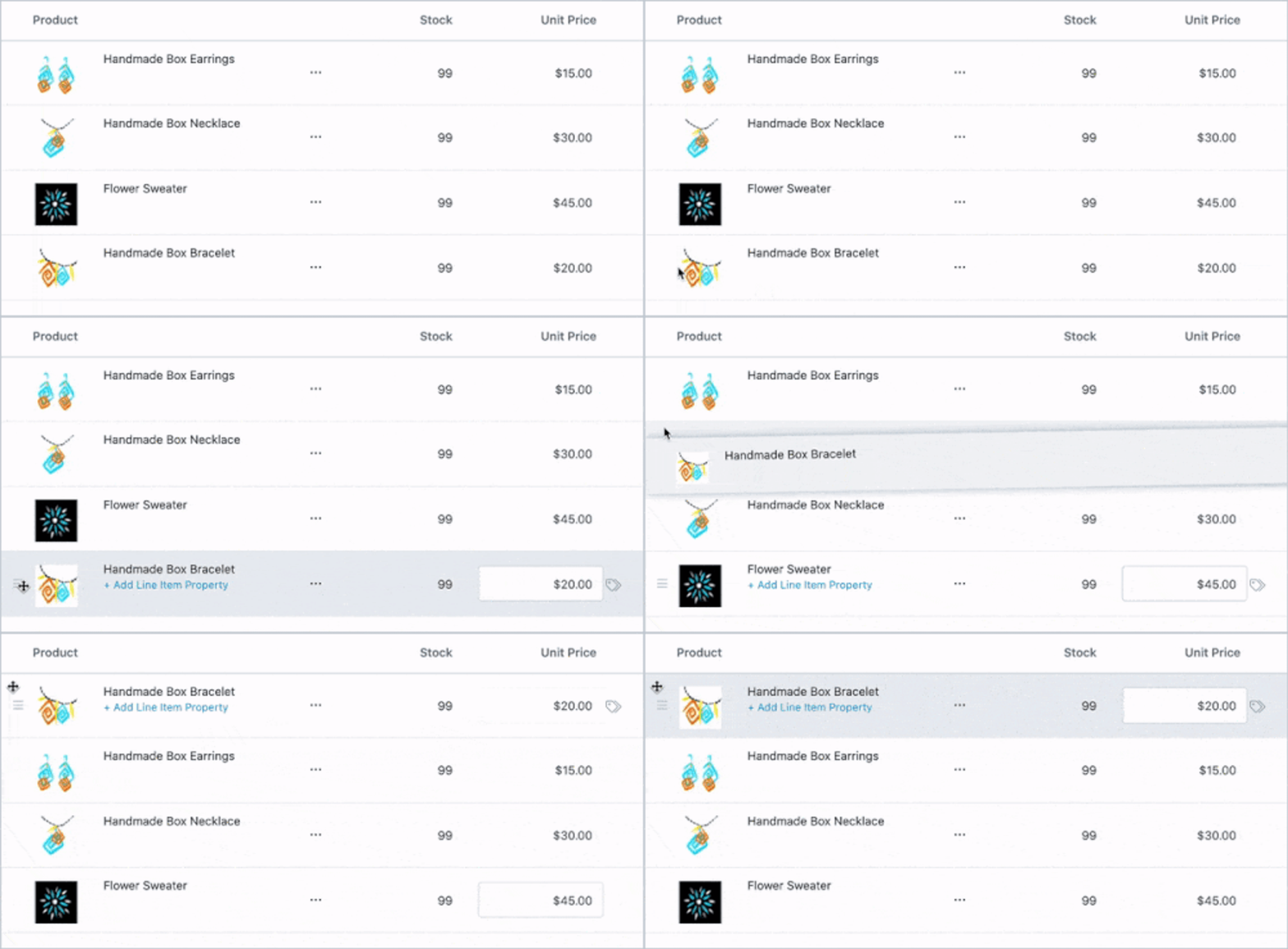
Want to keep the printer cable next to the printer? Need to keep the monogram upsell next the silk robe?
Now you can reorder line items in Edit Order.
When you’re editing your Shopify orders to add an upsell or add-on items for your customer, you can now organize your invoice in Edit Order for clarity.Having an organized invoice makes it easy for your customers to understand what they are paying for and reduces billing questions.
“We were having to put in everything backwards before to get the ordering right. When sending a quote to a customer, you don’t want to put the main show on the bottom of the order. That’s just confusing. Being able to reorder products is money to us, because it saves us so much time.” — Drew Farmer, CEO, MSConcepts
Reordering line items is great for:
- Upselling items that need to correlate to another product, like a helmet for a bicycle
- Adding accessories to a main product, like cables for a printer, or parts for a computer
- Adding an additional item to an existing bundle, like a chocolates in a gift basket
Changing the order of products in Edit Order is a small detail that makes a great impact on your customer and, in addition, saves your customer service team time.
Want to try reordering line items but don’t have Edit Order installed?You can try Edit Order free for 14 days. If you have a question about Edit Order, please don’t hesitate to email us atsupport@editorder.net.
Recent posts
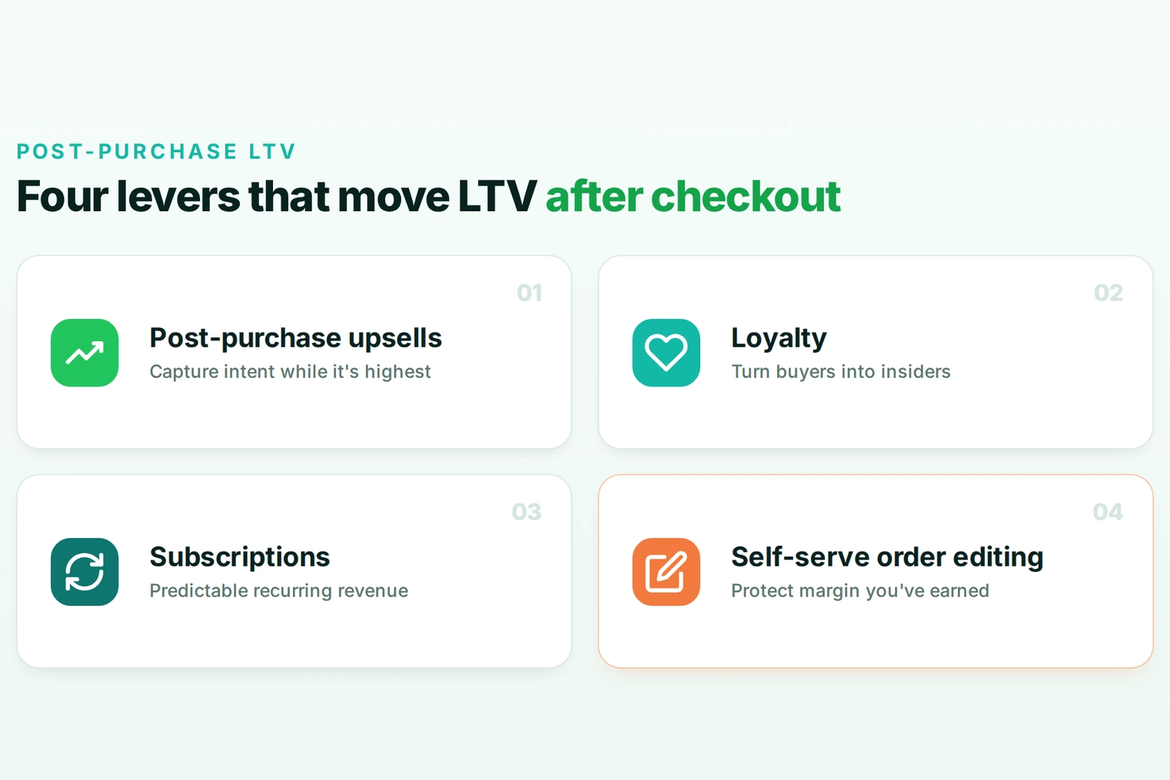
Self-serve order editing
Let customers fix
their own orders.
Give shoppers a short window to edit their Shopify orders after checkout. Cut your most frustrating support tickets and capture more revenue before fulfillment.