
Self-serve order editing
Self-serve features
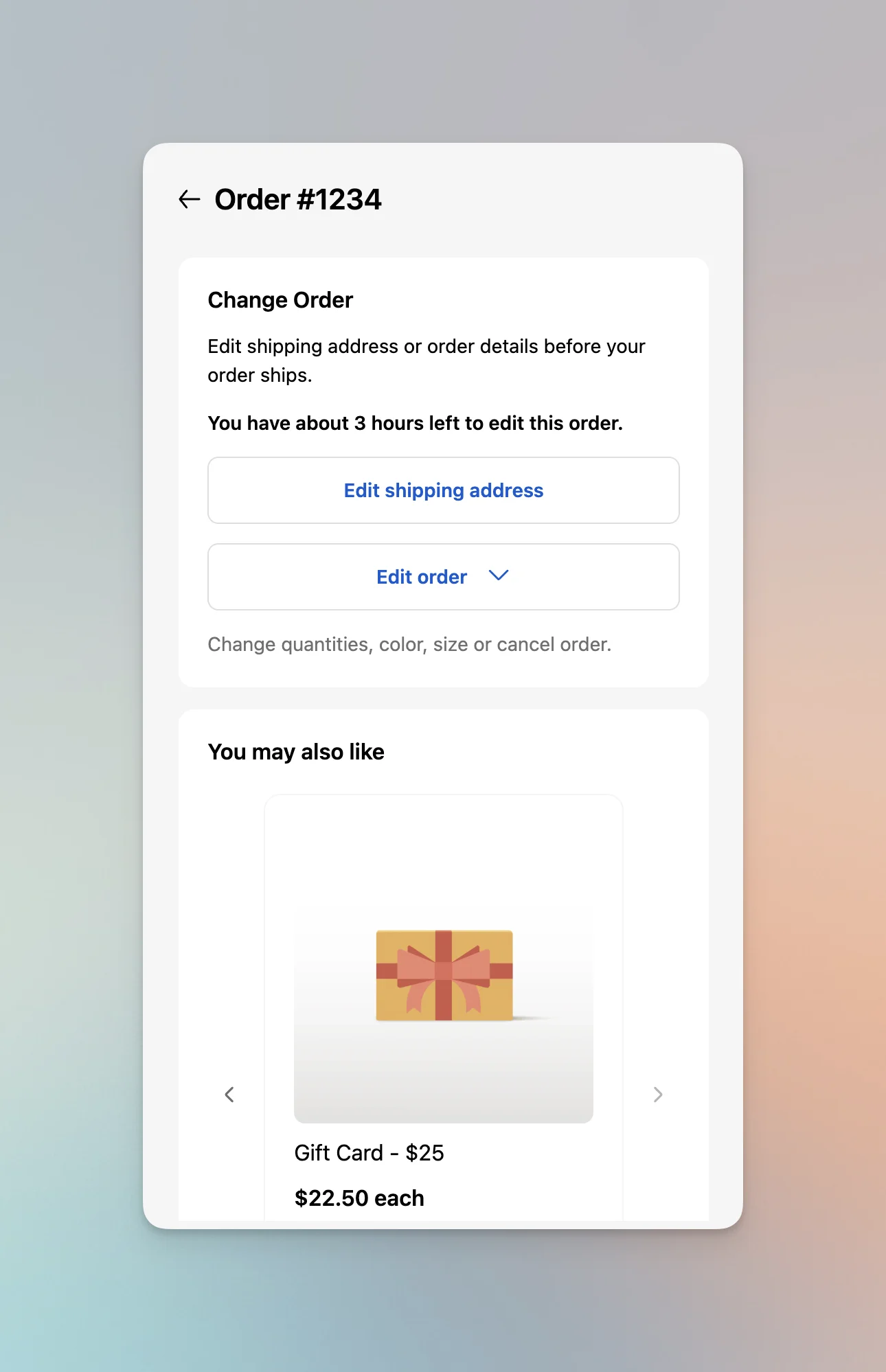
Post-purchase changes customers can safely make on their own, from any device. Automatic payment collection, refunds, and shipping rate recalculation handle the complexity. Built mobile-first for Shopify.
Native Shopify experience
Designed to integrate seamlessly with Shopify Customer Accounts, giving your customers a native experience that feels like part of your store, not a third-party tool.
Powered by Shopify's Checkout Extensibility, self-serve editing appears on thank you pages, order status pages, and customer account portals with single sign-on authentication. Works alongside your existing subscriptions, 3PL, and support tools without breaking your workflows.
Explore all self-serve order editing features below. New to self-serve order editing? Start here.

Customer actions
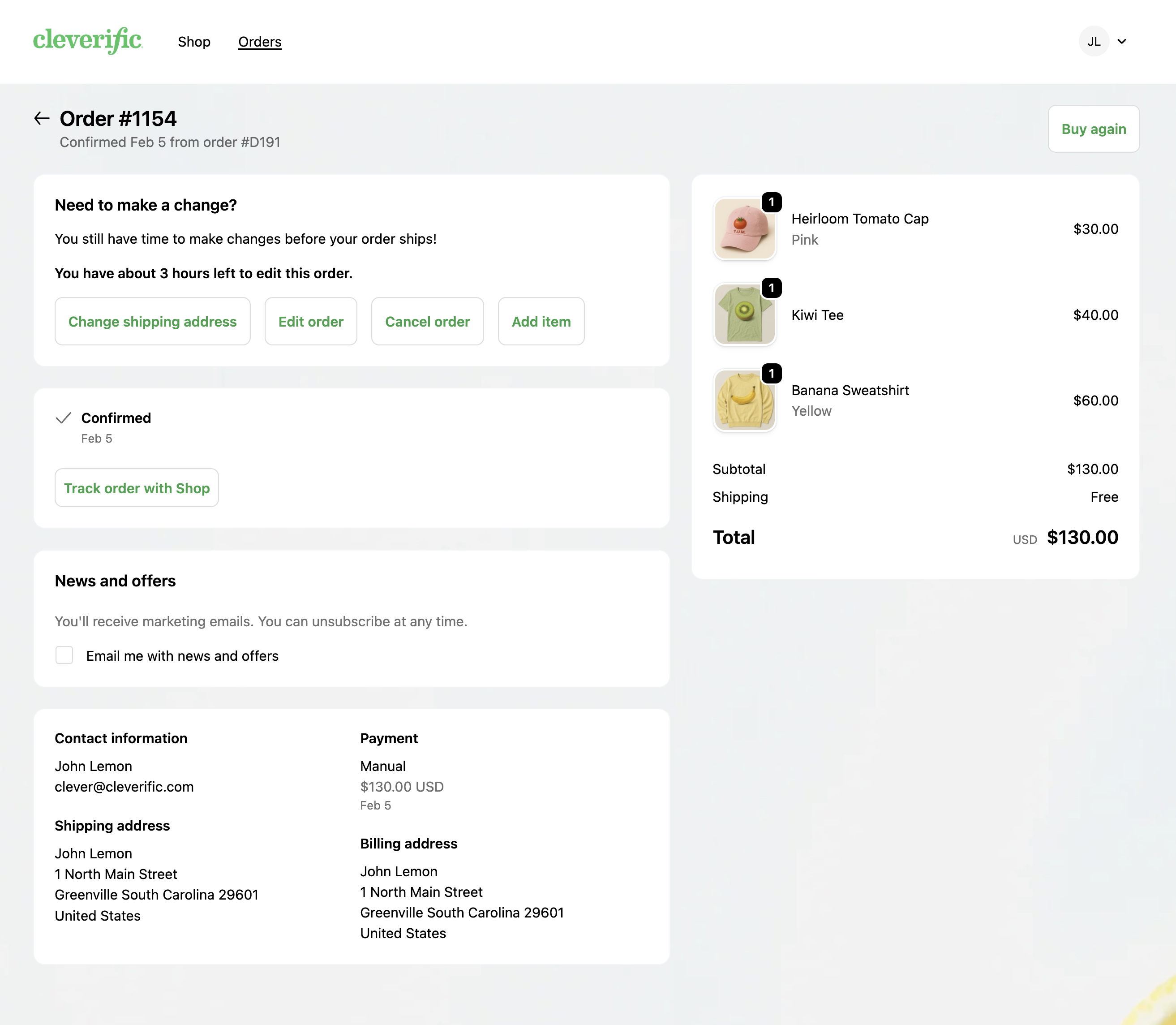
What customers can change
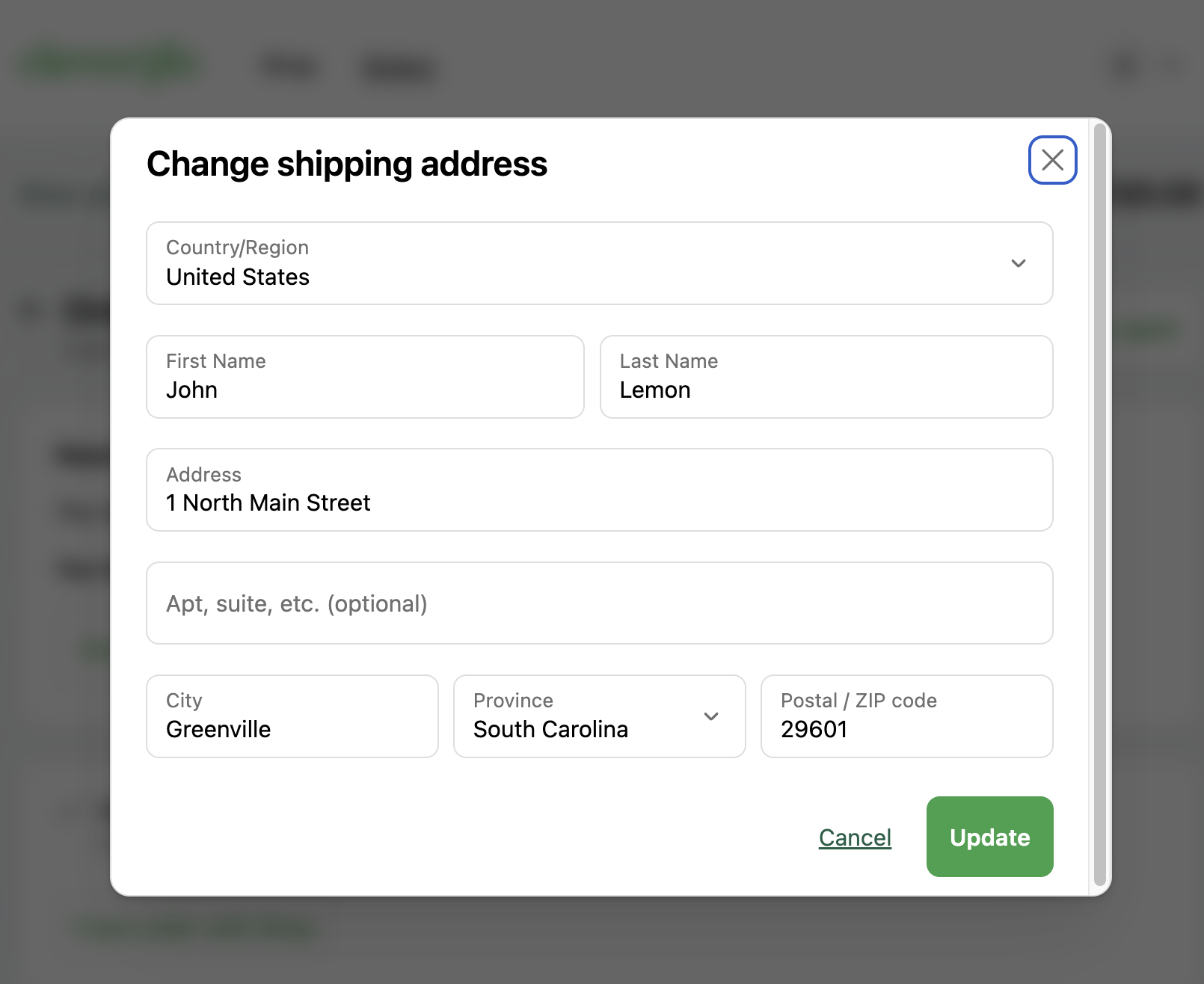
Change shipping address
- Update street address, city, state, zip
- Change country (with configurable restrictions)
- Edit recipient name
View help doc
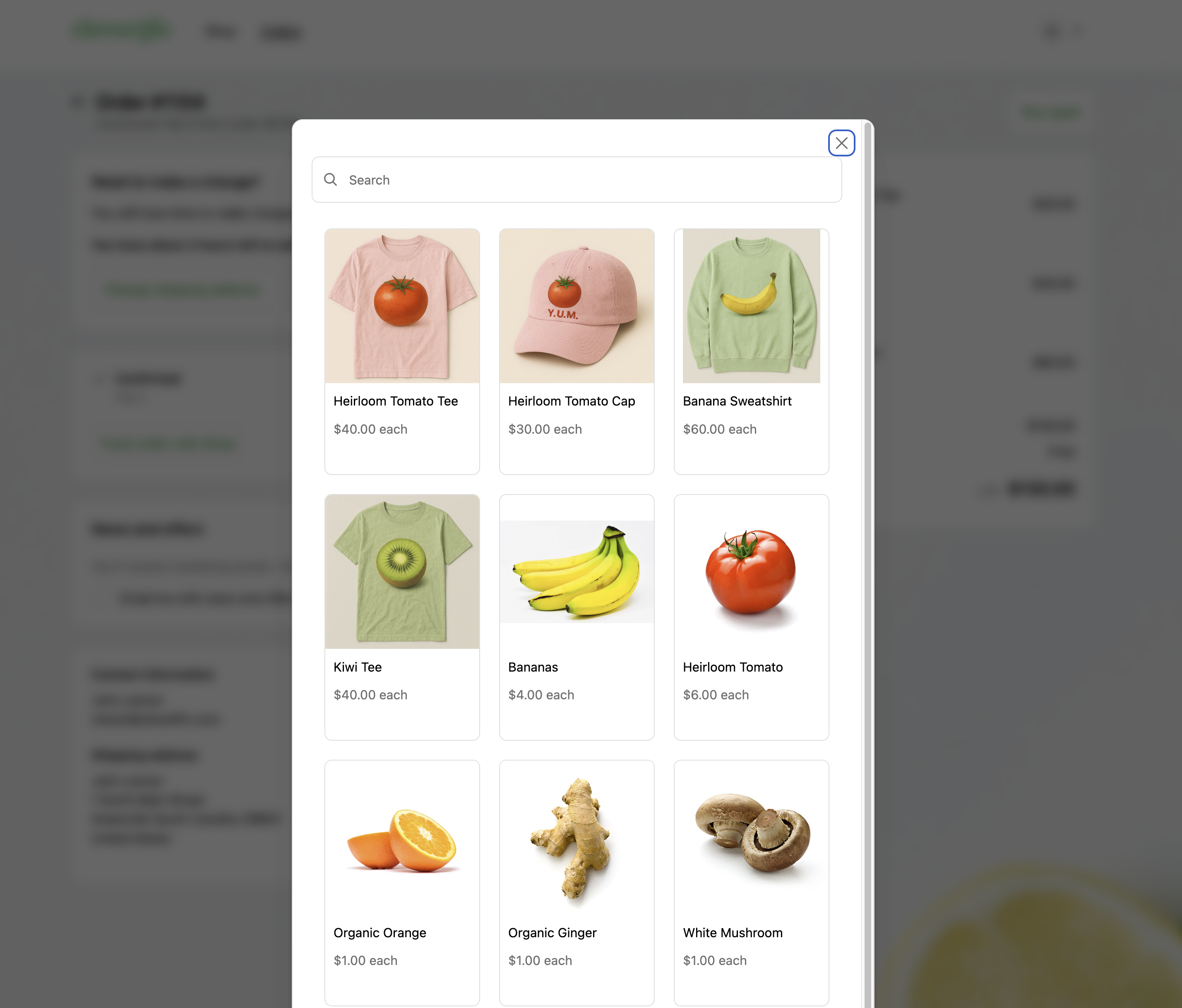
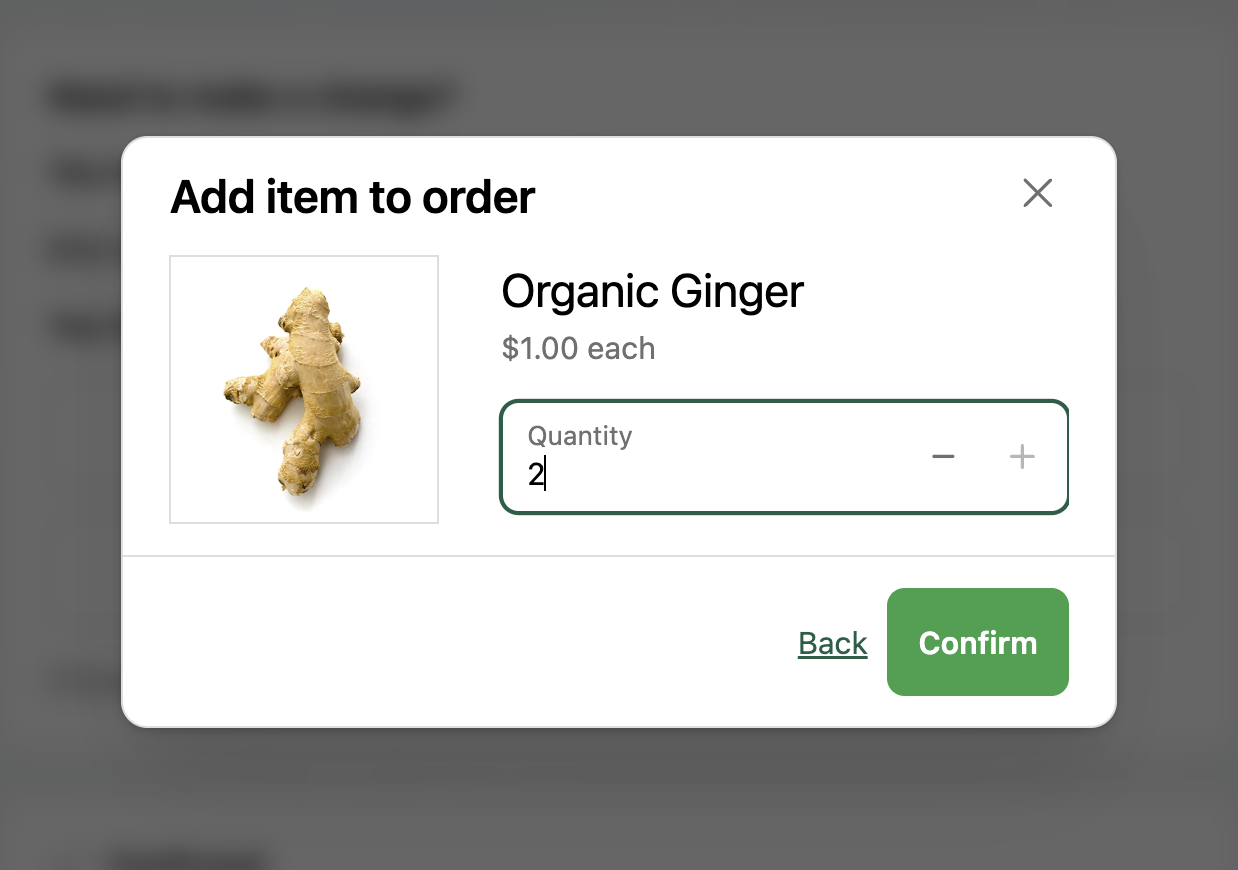
Add items to order
- Search full product catalog
- Add forgotten items
- Select variants (size, color, etc.)
- Automatic price calculation
View help doc
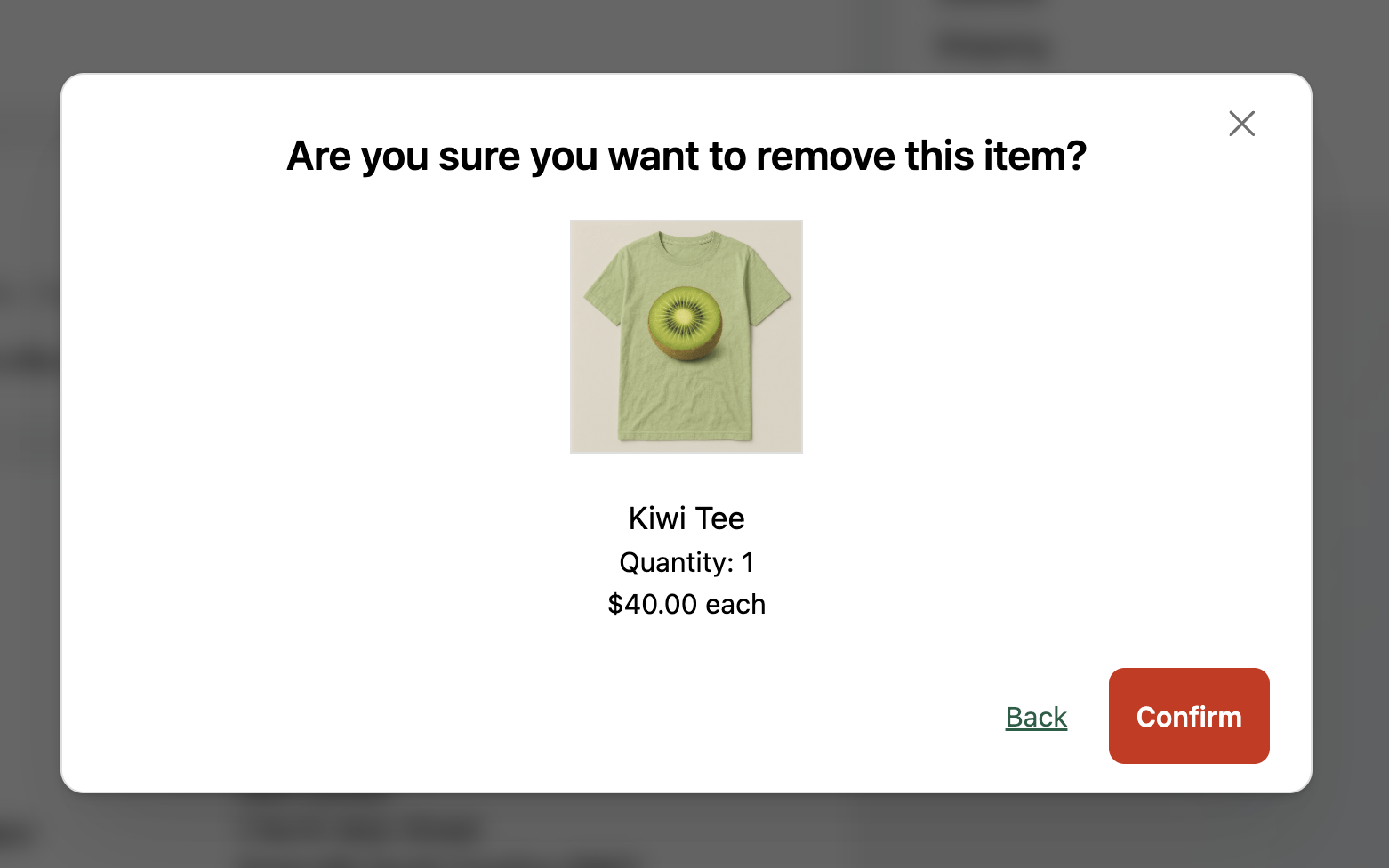
Remove items from order
- Remove unwanted items
- Automatic refund calculation
- Configurable item restrictions
View help doc
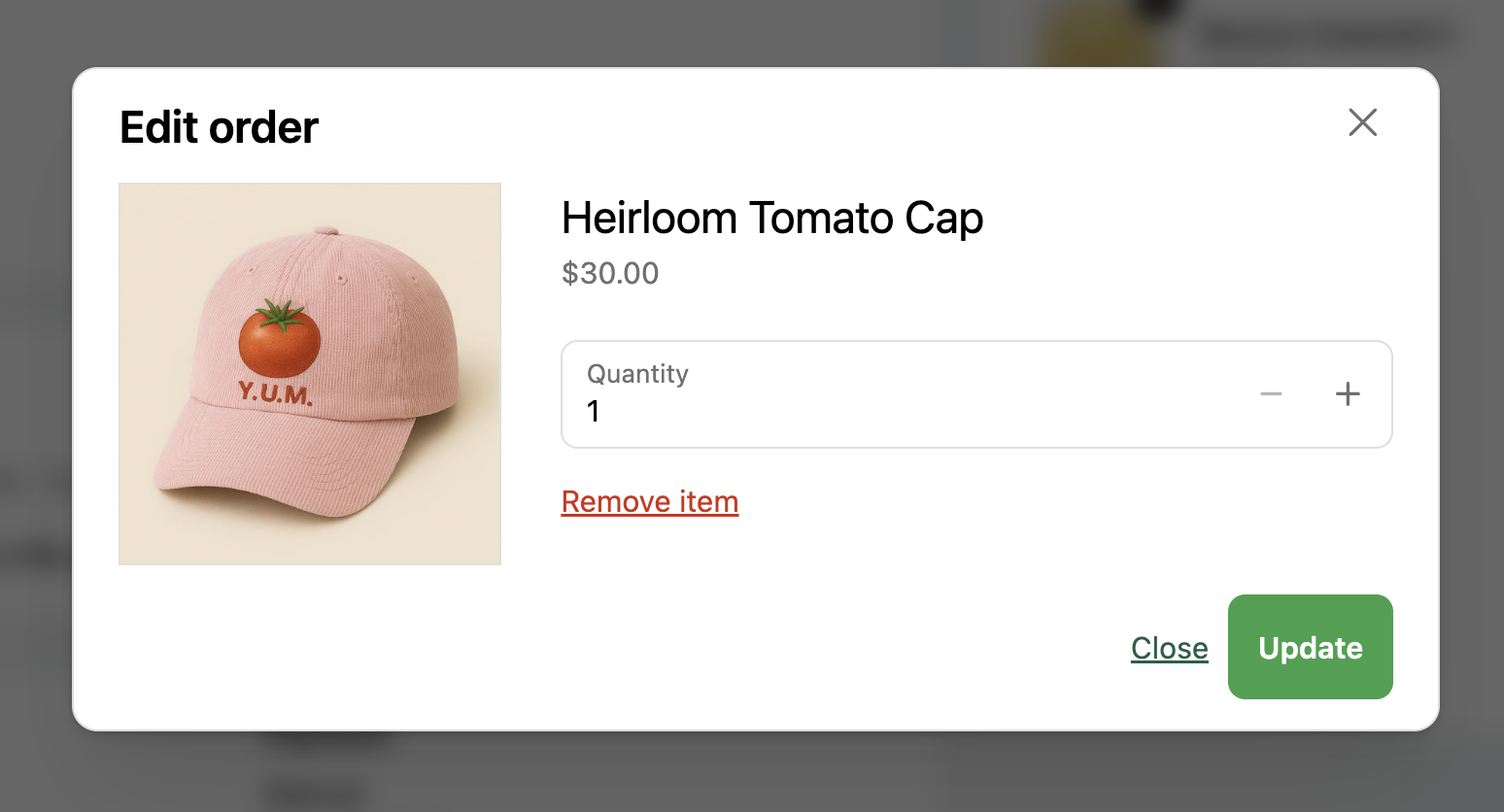
Change item quantity
- Increase quantity
- Decrease quantity
- Set minimum/maximum limits
View help doc
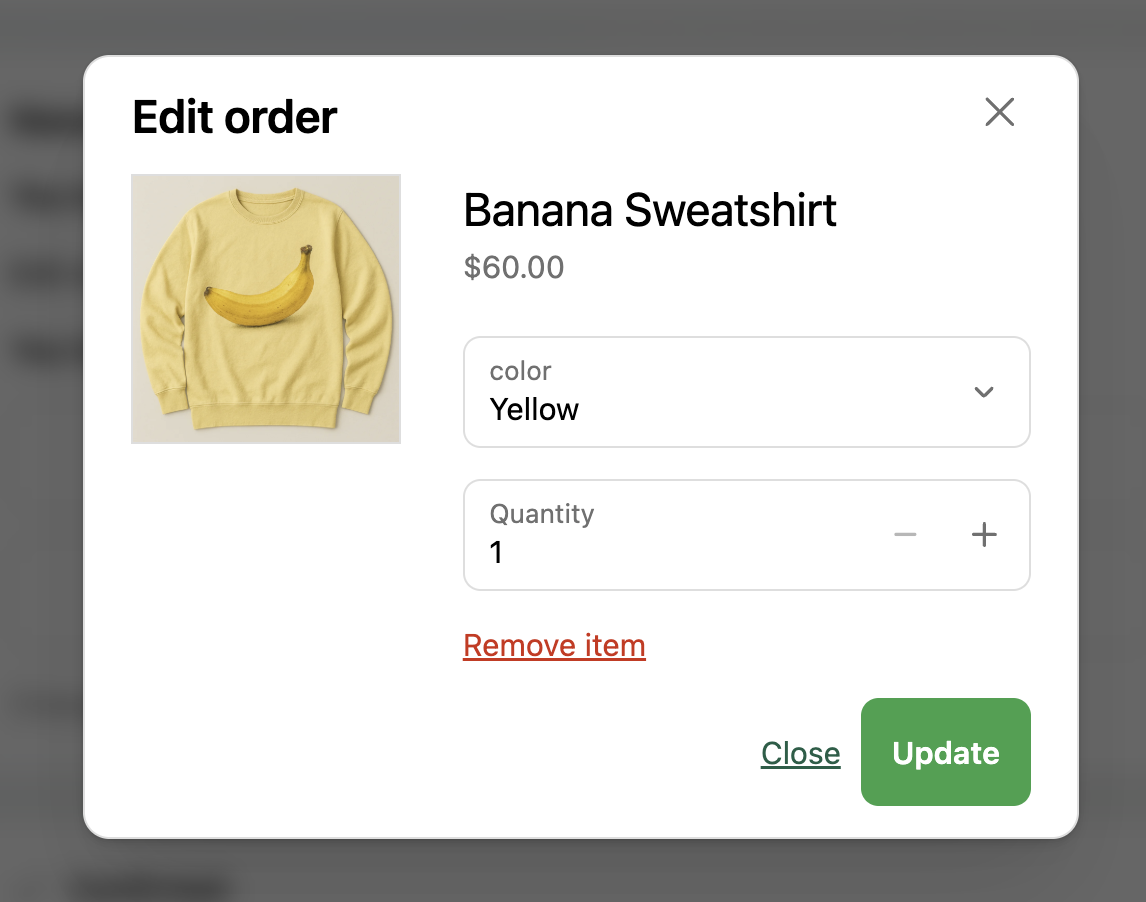
Change item variant
- Swap sizes
- Change colors
- Switch between product options
- Price adjustment if applicable
View help doc
Edit subscription items
- Modify subscription products
- Preserve subscription discounts
- Configurable subscription controls
View help doc
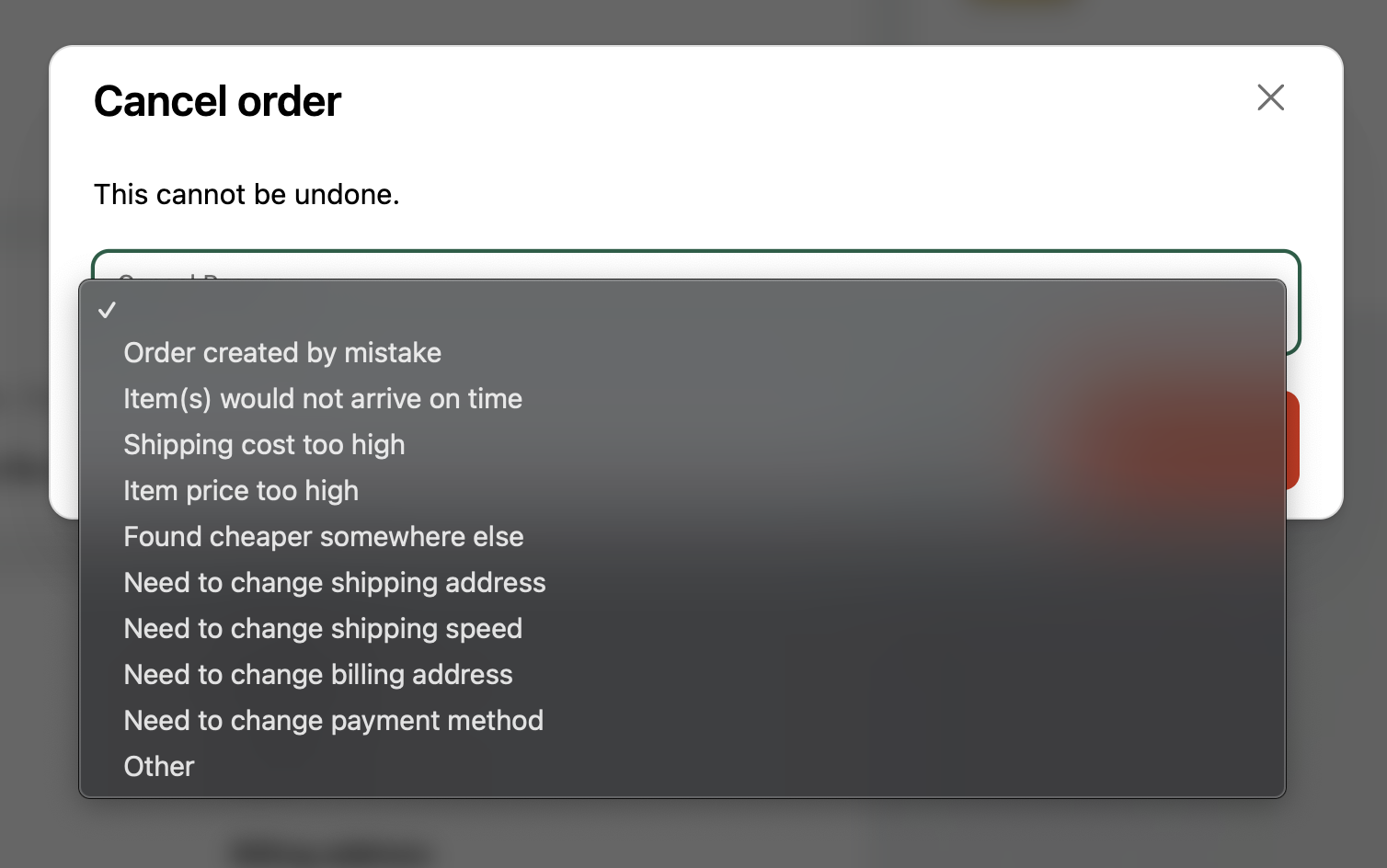
Cancel order
- Full order cancellation
- Configurable cancellation reasons
- Automatic refund processing
- Optional cancellation window
View help doc
Merchant controls
Full customization
Every order editing feature is configured directly in the app. No Shopify Flow automations needed.
Payment Handling
Automatic payment requests for additions and refunds for removals. Auto-waive small balance differences.
View help doc
Shipping Rate Recalculation
Automatically recalculate shipping costs when customers edit orders or change their shipping address.
View help doc
Editing Window
Set how long customers have to make changes after placing their order.
View help doc
Edit Permissions
Control exactly which changes customers can make: add items, change variants, modify quantities, and more.
View help doc
Order Restrictions
Block editing on specific orders using order tags (e.g., final-sale, holiday-sale).
View help doc
Product Restrictions
Prevent specific products from being edited using product tags.
View help doc
Quantity Limits
Set maximum quantity increases (e.g., up to 200% of original quantity).
View help doc
Cancellation Controls
Configure cancellation reasons (preset or free-form) and automatic refund processing.
View help doc
Fraud Protection
Control edit permissions based on fraud risk level and restrict shipping address changes.
View help doc
Discounts & Pricing
Support for Buy X Get Y discounts, free shipping thresholds, and automatic small balance waiving.
View help doc
Notifications
Send before-shipping reminders and email notifications for order changes and refunds.
View help doc
Multi-language
Automatic translation into customer's browser language: English, French, German, Spanish, and more.
View help doc
Self-serve order editing
Ready to empower your customers
with self-serve order editing?
Start your 14-day free trial and see how self-serve order editing reduces support tickets and improves customer satisfaction.
Using PRO? See how self-serve fits your post-purchase strategy.